

By the end of this article you will be able to build a video from any item with one button and publish it everywhere with a second. Setting it up takes a couple of minutes. You only pay for the operations themselves: the images, the voiceover and the build.
What autopilot does and what to prepare
Autopilot goes through the whole video studio by itself: it writes a script from the item's text, prepares the images, the voiceover and the captions, and builds the video. The first click builds the video, the second publishes it.
What you need in advance:
- YouTube or TikTok connected and active in the project — without one there is no autopilot button on the cards, see Projects and platforms;
- at least one top-up: video builds are closed during the trial period;
- an item that has text and is neither rejected nor archived.
Autopilot takes the voice, the captions and the music from the video preset — how to set one up is in Video: script and scenes.
Run autopilot on one item
- Open the "Content" section and click the "Autopilot" button on the item's card. The "Video autopilot" window opens.
- In the "Video format" block choose "Horizontal 16:9", "Vertical 9:16" or a pair of videos — more on pairs below.
- In the "Script generation" block choose where the script comes from: "AI" — the AI writes it itself, "Hybrid" — it rewrites your text, "Full text" — it voices your text as it is, "Montage" — it cuts your footage from the media library, "Auto-edit" — it builds a video with motion graphics (more in the article about the script and scenes).
- Check the "Source text" block: the script will be made from this text.
- Click "Build video".
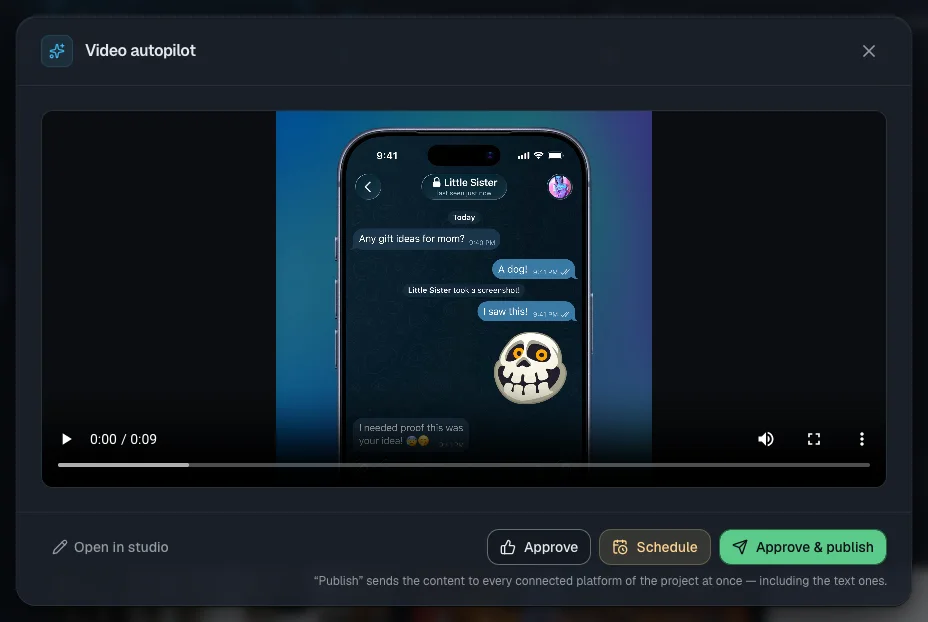
The window shows the build log. You can close it — the work carries on in the background and "Building video…" appears on the card. The draft stays a draft in the meantime. Your choices are remembered for the project in this browser.
Full mode or the mode with a script check
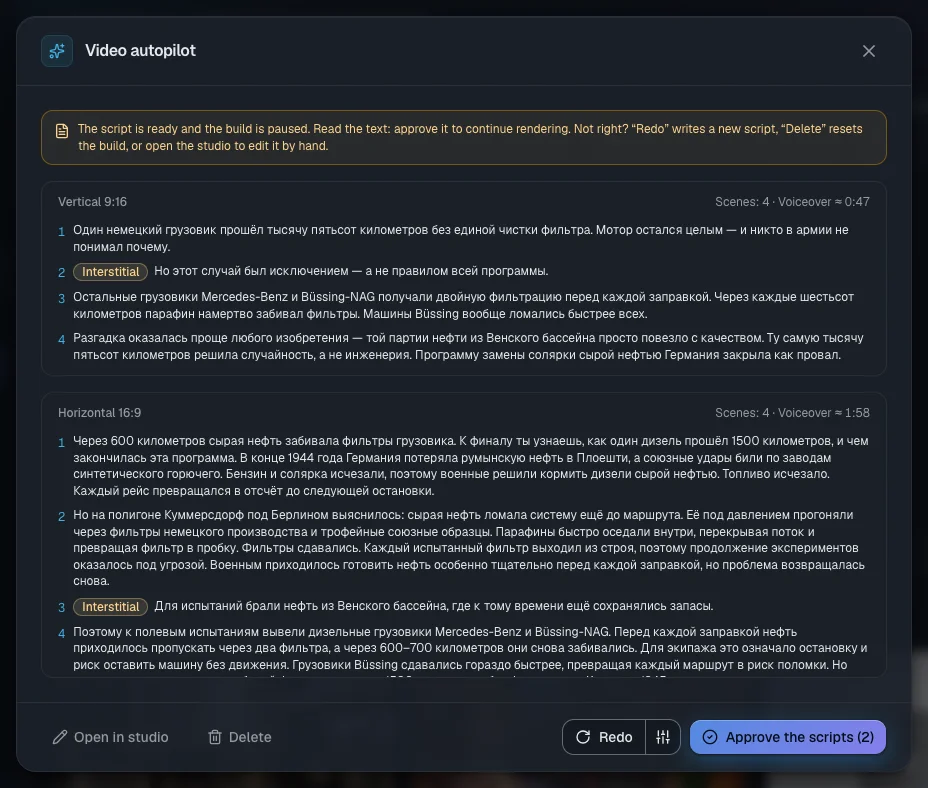
Normally autopilot runs all the way to a finished video without stopping. To read the text before paying for the images, the voiceover and the build, turn on "Review the script before rendering". There is no such toggle in "Montage" mode.
- Start autopilot with the button at the bottom of the window. When the script is ready, "Script · approve" appears on the card.
- Open the window and read the text. "Approve the script" carries on with the build.
- If it does not fit, "Redo" writes a new script, and the arrow next to it lets you change the pace, the length, the model or the style. "Delete" cancels the run and "Open in studio" opens it for editing by hand. The pause has no time limit.
Build both formats at once
"Both formats" builds two full videos — 16:9 and 9:16. "Full + teaser" builds a full 16:9 video and a vertical teaser of 20–30 seconds that invites people to watch the full one. The pair is linked automatically: on YouTube the long video goes out first, then the Short.
In the "Format settings" block each format has its own settings tab:
- "Scene count" — for "AI" mode and for the teaser;
- "Script volume" — how much to shorten the text in "Hybrid" and "Full text" mode;
- "Images" — "Existing" (your own images, with the AI drawing the missing ones) or "New";
- "Visual style" and "AI interstitials" — as set for the project or specific to this video; a teaser is built without interstitials;
- "Preset" — the preset and quick changes: the voice, the voiceover speed, the scene pace, the captions, the music volume.
Quick changes apply to later runs. "Save to preset" writes them into the preset itself, "Preset values" brings the preset's values back.
Add a cover image for YouTube
In the "YouTube thumbnail" block turn on "Create the thumbnail automatically" and choose a model in the "Thumbnail model" field. The AI comes up with a short headline and draws the cover as soon as the build is done.
For 16:9 the cover is on by default; for 9:16 you have to turn it on yourself. YouTube is opening custom covers for Shorts to channels gradually: until yours has access, it shows a frame from the video. A failed cover does not stop the publication.
What it costs. The price is shown next to the model; with the default model it is 2 tokens.
Run several items and watch the queue
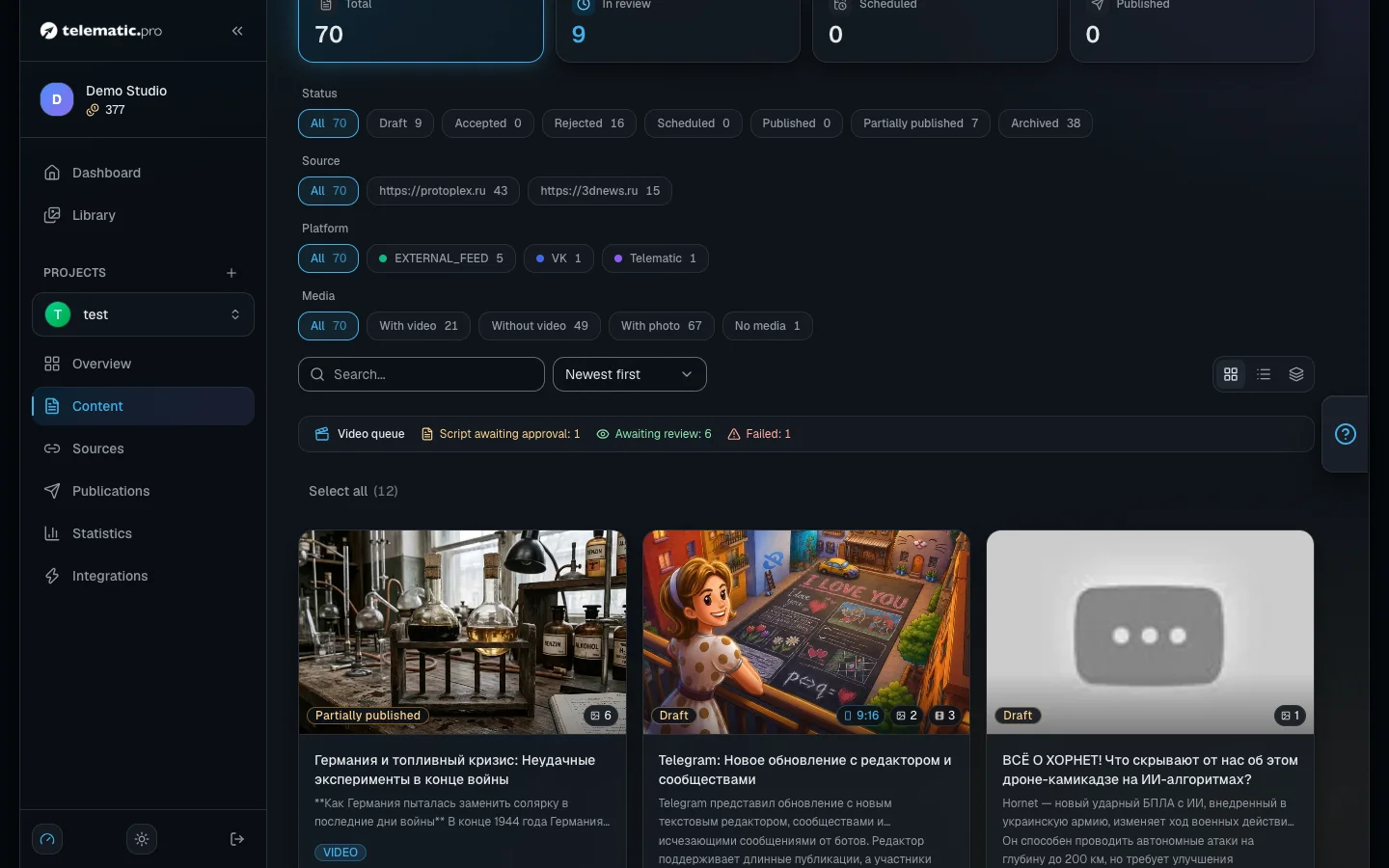
- In the "Content" section tick the cards you want — up to 20 at a time.
- On the bar at the bottom click "Autopilot". The items start one after another with the settings you last chose in the autopilot window.
- A message shows how many videos started and how many did not. The balance is checked for each item separately.
A "Video queue" strip appears above the list with counters: "Building", "Script awaiting approval", "Awaiting review", "Failed", "Awaiting approval".
The badge on a card tells you the next step: "Video ready · review" — watch it and approve, "Video ready · publish" — the post has already gone out and only the video is left to send, "Error · open" — open the window and click "Retry".
The second click: publish everywhere
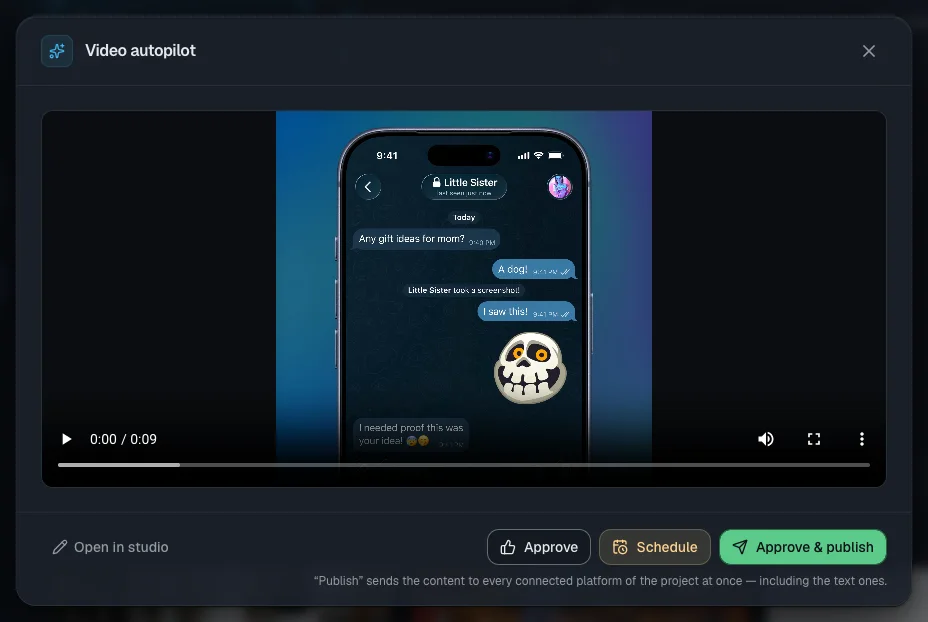
- Click the "Video ready · review" badge and watch the video. With two formats the publish buttons appear once both are ready.
- "Approve & publish" sends the item to all of the project's connected platforms straight away — both the video and the text posts.
- "Approve" only accepts the item: it joins the queue and goes out on the automatic publishing schedule — see Publications and calendar.
If the post went out earlier and the video only appeared afterwards, the window offers the buttons "Publish video" and "Postpone". Platforms where the item has already been published are skipped, so there will be no duplicates.
Important. To make sure no autopilot video goes out before you have seen it, open "Publications" → "Automation" and turn on "Approve videos before publishing". Videos will then wait in the "Awaiting approval" list.
Auto video: clips without pressing the button
If posts in your project are accepted automatically — a source with auto-accept or an importance threshold — autopilot can start without you.
- Open "Publications" → "Automation" and turn on "Auto video".
- Pick "Video format" and "Script generation" — the same choices as in the autopilot window. The voice, captions and music come from the project's preset for that format.
- Set "Max videos per day" — 3 by default.
- Under "Sources", tick the sources whose posts need videos, or leave "All posts of the project".
Videos are built for posts accepted after you turn the setting on. While the clip is being built, the post waits and goes out together with it on your publication schedule. Tokens are charged as for a regular run.
Important. If auto video is paused — no connected YouTube, TikTok or Instagram, the trial period, or not enough tokens — the reason is shown right in the setting. After a top-up, launches resume on their own.
What it costs and what stops autopilot
The window shows no overall total — it adds up from the steps:
- A scene image — at the price of the model you chose; images you already have are free.
- The voiceover — 1.5 tokens for every 6 seconds, the build — 1 token per second of video.
- An AI interstitial — from 1 token, plus 1 token for every 10 seconds of rendering it.
As a rough guide: a vertical 60-second video costs around 90–120 tokens. Running the same format again while the video is being built or already finished spends no new tokens.
What gets in the way of a run or a build:
- There is no button, or it is greyed out — there is no active YouTube or TikTok, or the trial period is on.
- Too few tokens — the run is refused in advance if the balance will not cover the images, the voiceover and the build.
- "Error · open" — the build failed; if nothing moves for 20 minutes it counts as interrupted. Click "Retry".
- "Building video…" for a long time — the video is waiting for a free build slot; the server will build it itself within 5 minutes at the latest. "Cancel" stops the run.
What next
- Video: visuals, formats and YouTube — pairs of videos, teasers and cover images in detail.
- Publications and calendar — the schedule approved items go out on.
- Tokens and payment — the price of every operation.
- Solving common problems — if a build or a publication failed.