

By the end of this article you will have turned an item's text into a script made of scenes and saved your video settings for next time. It takes 5–10 minutes. Tokens are charged later — for images, the voiceover and the build; the studio shows you the rough total in advance.
Open the studio from an item
- Open the item you need in the "Content" section.
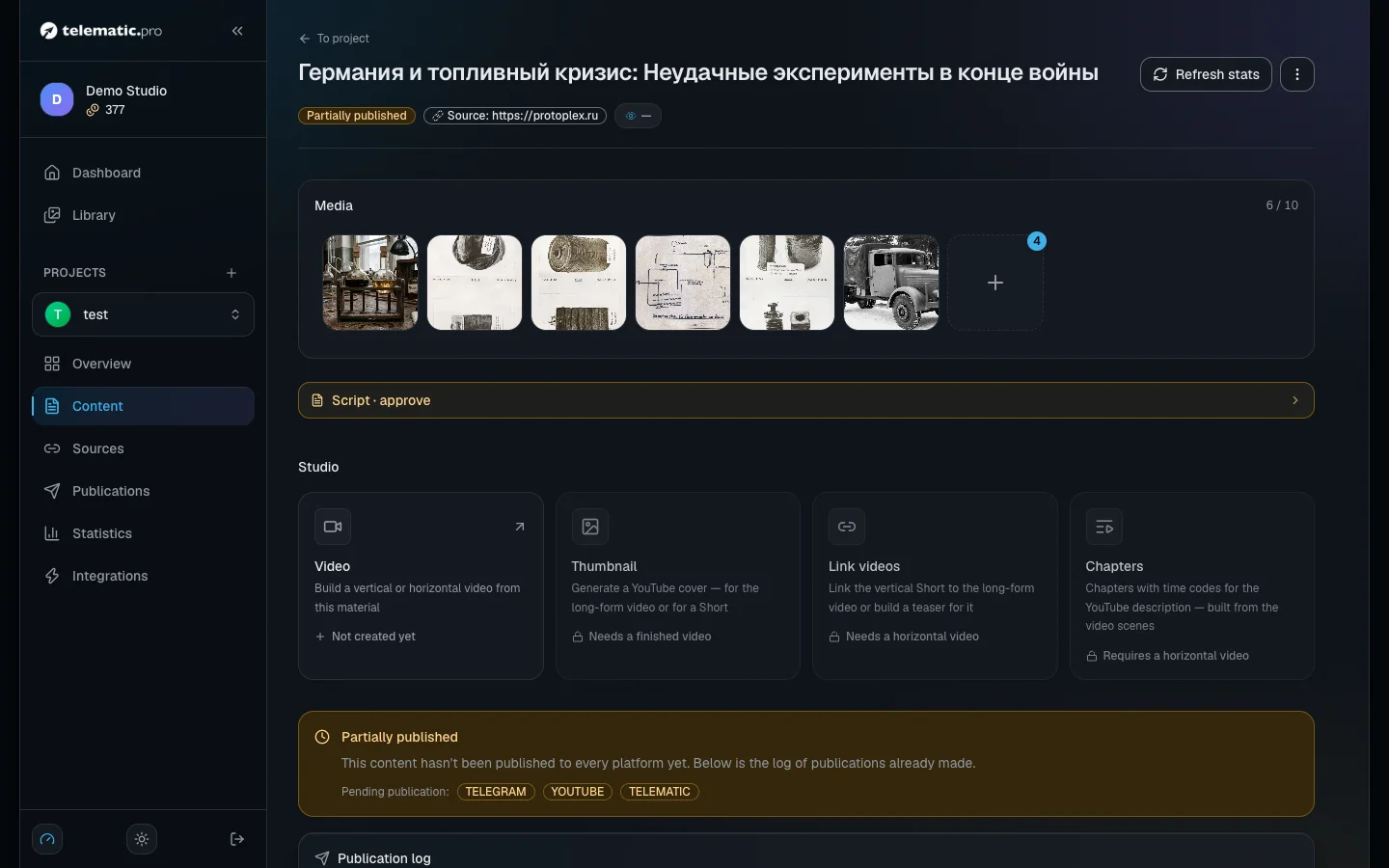
- In the "Studio" block click the "Video" card. While there is no video, it says "Not created yet".
The "Thumbnail", "Link videos" and "Chapters" cards open once the video is ready. They are covered in the article on visuals and YouTube.
Important. During the trial period, before your first top-up, video and AI images are not available: the buttons are inactive and "Not available during trial access" is written next to them. How to top up is described in Tokens and payment.
Choose a format
- The first time you come in, the studio offers you a choice: "Create a video". Click "Horizontal 16:9" for a regular YouTube video or "Vertical 9:16" for Shorts and TikTok.
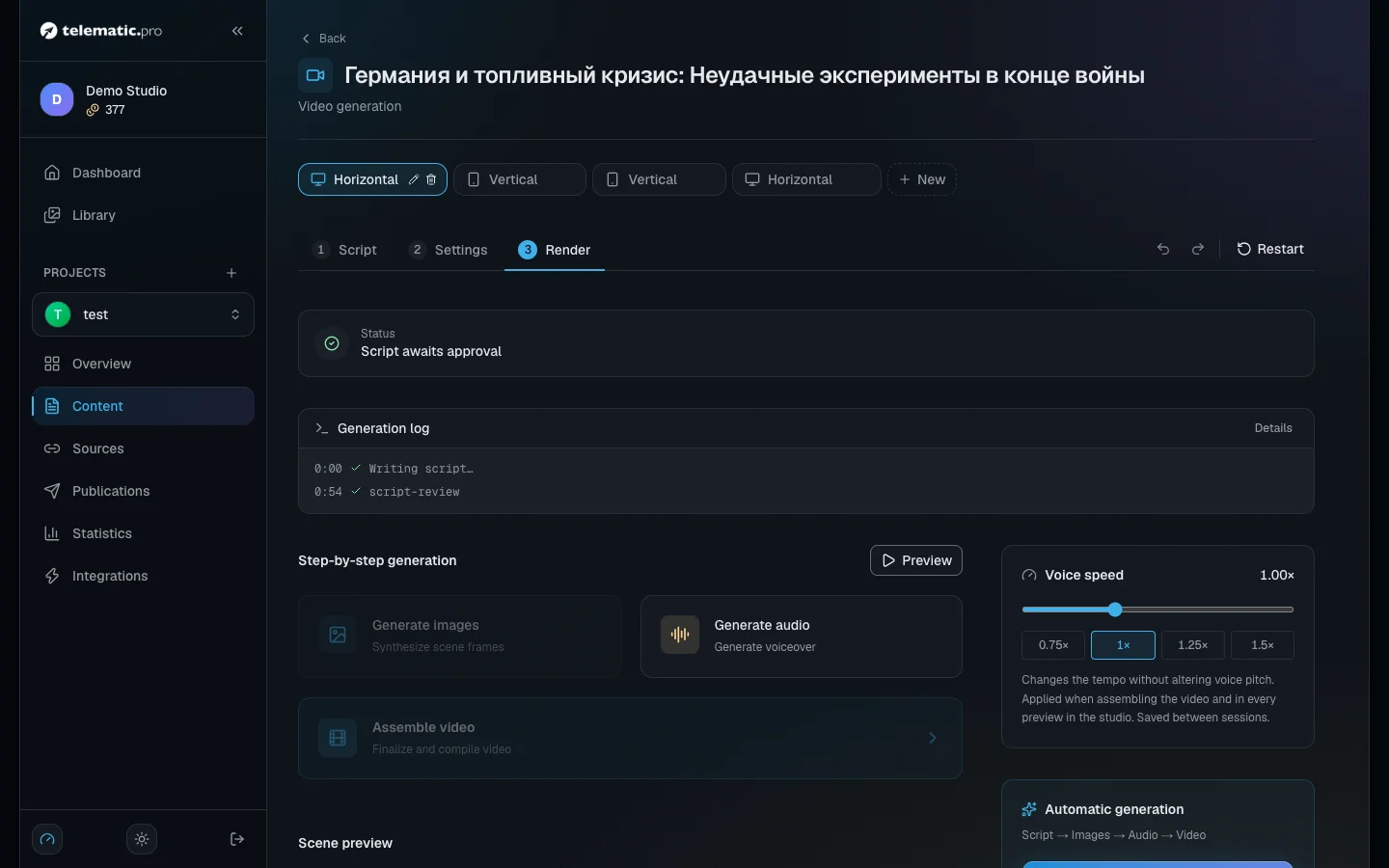
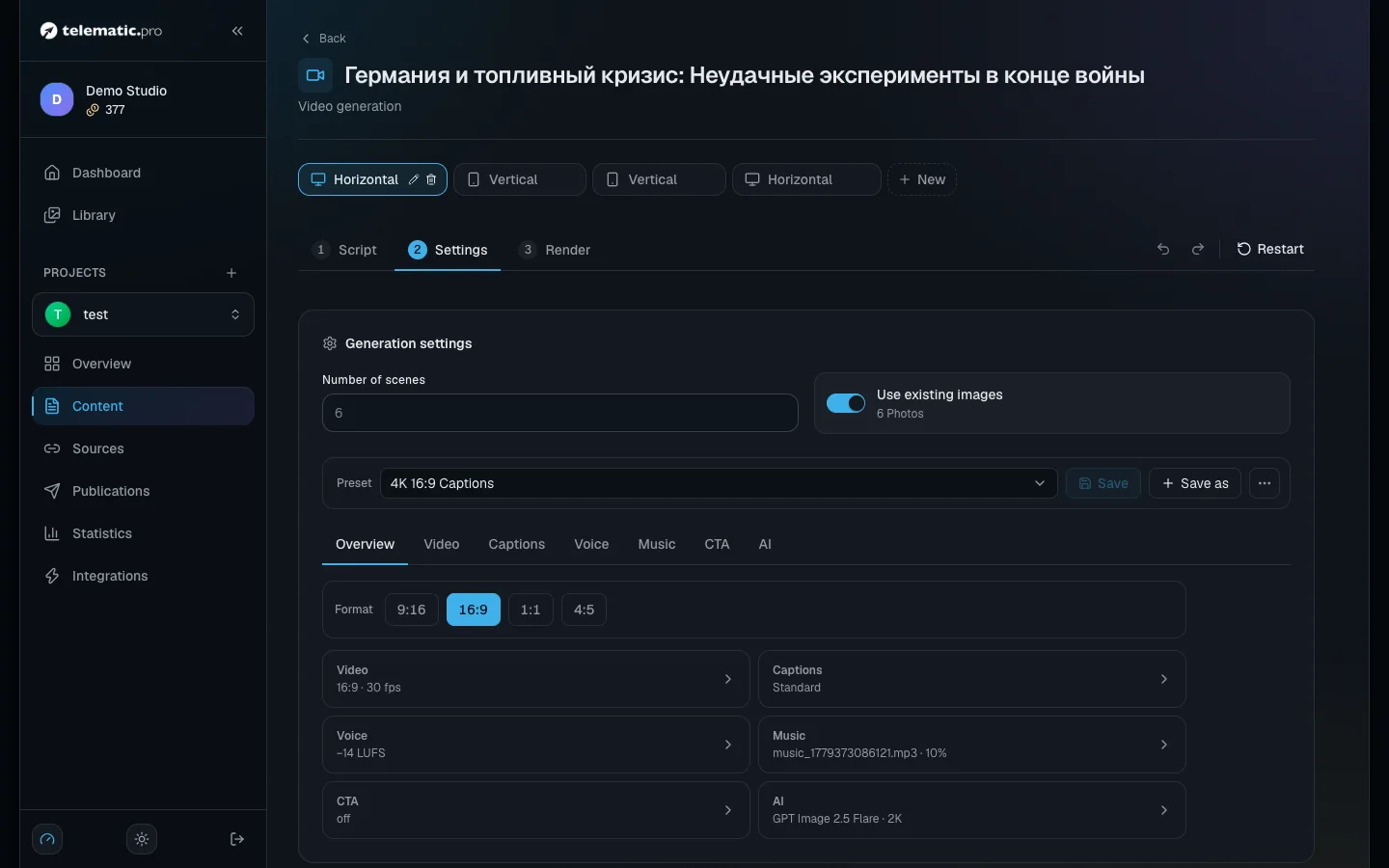
- The format appears as a tab at the top of the page. Each tab has its own script, its own images and its own voiceover.
- If you need the second format, click "New" next to the tabs. The 1:1 and 4:5 ratios are chosen later, at the "Settings" step.
Under the tabs are the steps: "Script", "Settings", "Render". There is no "next" button on the first step: click the name of the step instead. The "Restart" button on the right resets the script and the settings; a finished video is kept.
Choose a script mode
The "Text / idea for video" field already holds the item's text, and you can edit it. Then choose a mode.
| Mode | What it does | When to choose it | Button |
|---|---|---|---|
| "AI Script" | The AI squeezes the text into short lines for the scenes | A short video, Shorts | "Generate script" |
| "Hybrid" | The AI expands the text into a detailed story and splits it into scenes | The source is bullet points or a dry news item | "Generate Script" |
| "Full Text" | Splits your text into scenes as it is | A long video where every word matters | "Split into Scenes" |
| "Montage" | Works with your own footage instead of a text | You have recorded yourself on camera | — |
In the first two modes the gear next to the button lets you choose the AI model.
A vertical teaser for a finished long video is not made here but from the "Link videos" card.
Set the length and the pace
The settings are in the "Generation Settings" block to the right of the text.
- "Number of scenes" — only in "AI Script" mode, from 1 to 200. In the other modes the number of scenes works itself out.
- "Script volume" — in "Full Text" and "Hybrid" mode: 100, 75, 50, 33 or 25 % of the source, or a target in minutes. Below 100 % in "Full Text" mode the AI drops the less important sentences and leaves the rest word for word. On a long text this takes a few minutes.
- "Scene pacing": "Dynamic", "Standard" or "Calm". A dynamic pace gives you around one and a half times more scenes, a calm one fewer. More scenes means more images and a higher price.
- "Use existing images" — the scenes take the images from the item, so you do not pay for pictures.
- "AI interstitials" — the AI plans short graphic cards between the scenes. Each one is built on your command and paid for separately.
The "Estimated Cost & Duration" panel shows the length and the "Estimated cost" line straight away.
Edit the scenes
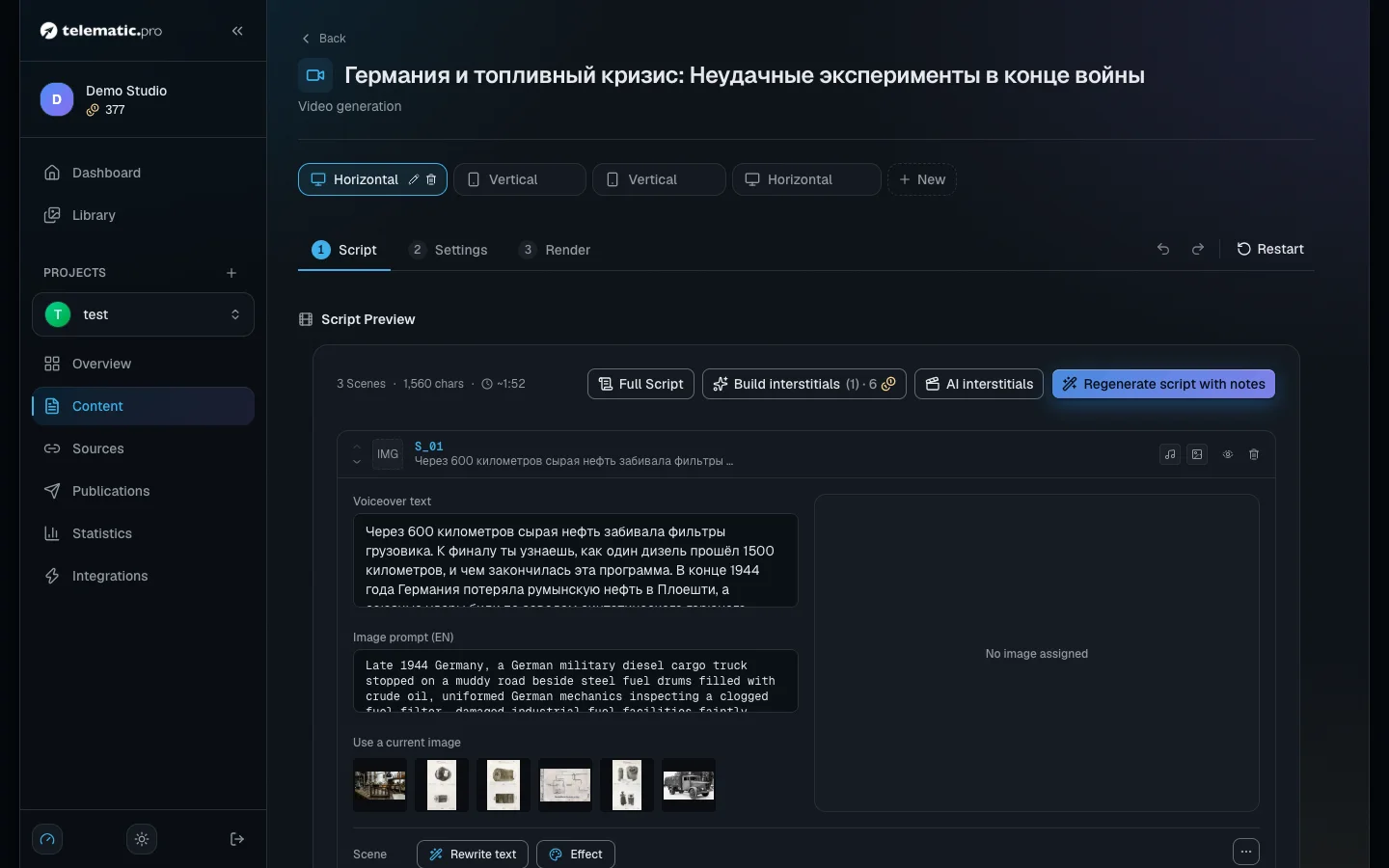
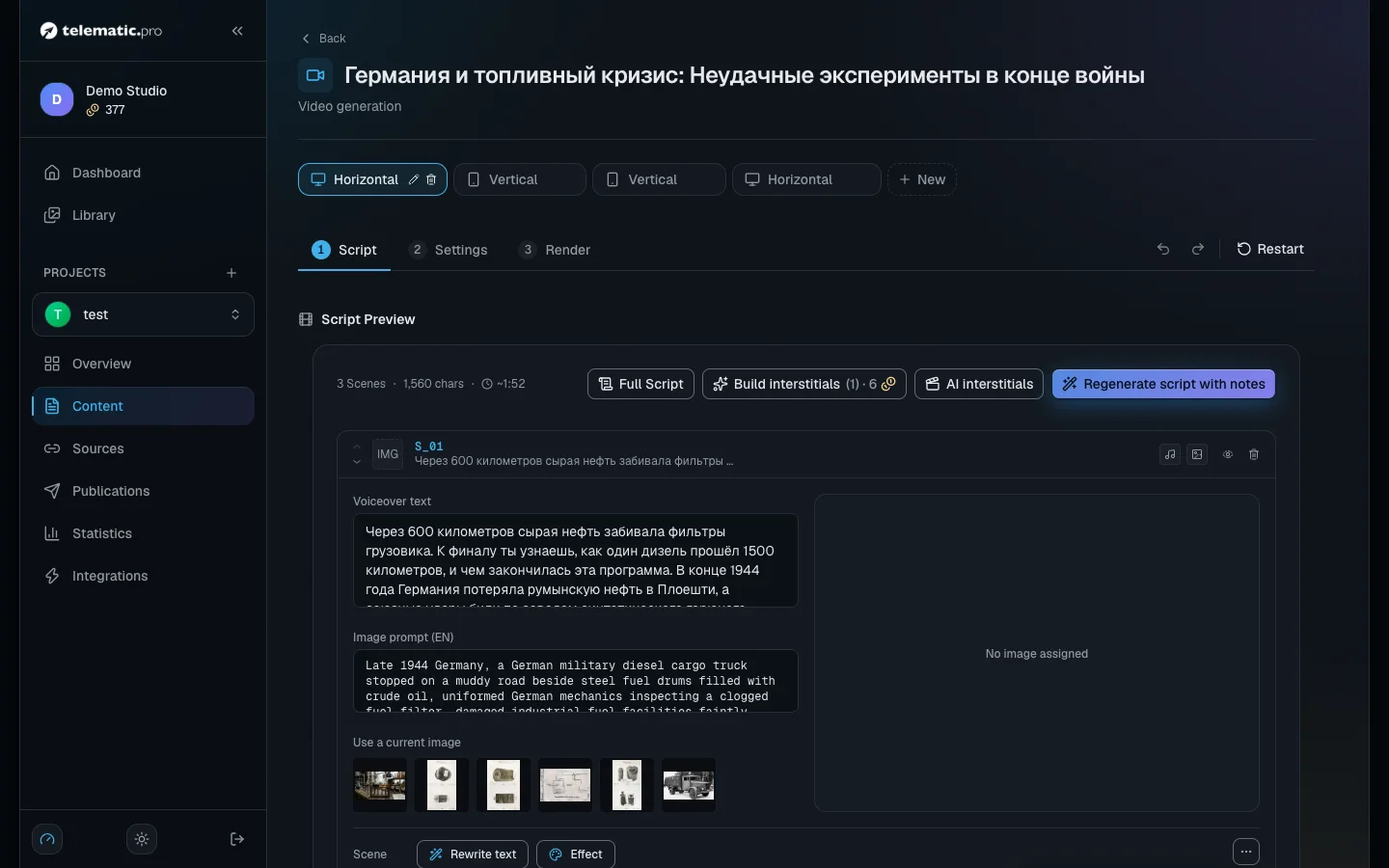
Every scene has a "Voiceover text" and a "Image prompt (EN)" — the description of the picture to come.
- Change the text. Edit it right in the field, or choose "Rewrite text" in the "More actions" menu and describe the change in words.
- Rewrite everything. The "Regenerate script with notes" button above the list. The voiceover and images of the changed scenes are reset.
- Split. "Split scene" in the same menu: the AI splits the scene in two and immediately creates images and a voiceover for both — that costs tokens. A scene shorter than 40 characters cannot be split.
- Switch off. "Exclude this scene from the video": the scene stays out of the video and is not paid for, while its material is kept. Bring it back with "Put this scene back into the video".
- Reorder. The "Move up" and "Move down" arrows. There is no dragging with the mouse.
- Add or delete. "Insert a scene here" between scenes, "Add scene" at the end of the list, "Delete scene" on the card.
- Undo. The two arrows next to the steps undo and redo; ⌘Z works too. The history is kept until you leave the page.
There is no button to merge scenes: move the text into the neighbouring scene and delete the spare one.
Edit your own footage
"Montage" mode is for anyone who has recorded themselves on camera: the AI removes pauses, retakes and filler words, and you check the cut.
No script to record yet? In the "Reference script" block click "Write script": AI rewrites the content text into a script to read on camera. Pick the model and the "Script volume" right there, as in the "Hybrid" mode. The script shows up in the teleprompter when you record, and "Restore the previous text" brings back the previous text.
- At the "Material" step click "Upload video" (mp4, mov or webm up to 4 GB), "From library" or "Record". You can use several clips.
- Click "Analyze footage". The price is shown on the button: transcribing the speech costs 1 token for every minute started, and the cut plan from 1 token (depends on the model; on the default model it is 23).
- "Cut review" opens. Crossed-out words have been cut. Click a word to bring it back, or select words with the mouse to cut them.
- Click the "Apply the cut" button in the header. Without it the "Scenes" step stays closed.
No images or voiceover are created in this mode — on the last step only "Assemble video" is left. You can go back to the text with the "Text script" link.
Build a video in "Auto-edit" mode
"Auto-edit" is for 9:16 and 16:9 videos. A video longer than 90 seconds is built by chapters — up to 20 minutes. The script is written as usual, but instead of a picture per scene an AI editor splits the voiceover into 2–4 second beats and builds graphics for each one: a big phrase, a number, a list, a comparison, a picture with a caption. Text and numbers are drawn by the layout, not by a neural network, so they never come out garbled. Numbers on screen are taken only from your text. Also in the kit: a rating scale with an "N× better" arrow, charts in a dark "window" and with a target bar, a typewriter with a caret for code and names, a slider moving from min to max, an interface pick with a cursor, an install ring with status lines, a light sweep on the key element and a film light-leak transition. For news and tech videos there is a calendar page with the date, a spec sheet with a comparison matrix, "claimed / confirmed / undisclosed" statuses and "myth → fact", "old → new" with the difference computed, a person card with a monogram instead of a face, icon cards, and on top of the frame the source, a name and title, a place or date, and an "illustration" label on AI images. And also: callouts on a picture of hardware and an armour cut-away, diagrams with a broken link, a cycle, a merge and a mechanism with beams, jamming and missiles, a comparison at scale next to a person, a newspaper clipping and a declassified document, decoded terms, a model family tree, a line chart and the "Blueprint" style. New: a map with a pin, a route or range rings (places come from a built-in gazetteer), platform tiles, a contact card and an "Ad" line with the advertiser's tax ID and erid — only from the post text, a recipe, a season calendar, a match card, a deal, a dialogue and a kit for language lessons: mistake → correct, a formula, a meaning shift, build the sentence.
- On the "Script" step choose the "Auto-edit" mode and, below it, how to write the script: "AI Script", "Hybrid" or "Full Text".
- In the "Generation Settings" block choose the "Style pack" (hover over a card to play an example), the "Rhythm" and "New pictures per video". The post’s own pictures and videos are free and are used first; the editor never takes anything from the shared project library on its own — you can put a library picture in by hand in the storyboard. For an idea none of the ready types shows, turn on "Free-form AI cards": the AI insert designer draws up to three such cards per video, the price is shown before the start. "Rhythm" sets how often the picture changes, and "On-screen motion" how sharply things move inside the frame: "Calm" gives soft entrances and smooth dissolves instead of glitches and shakes, "Energetic" gives full energy. Before editing, the AI looks at the post’s pictures and videos once and remembers what is in them: the editor and the script writer place them at the right words, and the post’s pictures go to the scenes they fit. It is free and happens only when a video is made.
- Create the script and open the "Storyboard" step. Click "Build storyboard": the studio voices the text, plans the beats, orders the pictures and checks every frame. This usually takes 2–4 minutes.
- Review the storyboard. Every beat shows its frame, type, the word it appears on and its timing. You can "Edit" a beat, "Change type", "Lock" it, split it at a word or delete it. A picture has "New picture" and "From library". The style pack changes without re-planning.
- "Refresh frames" re-checks the frames after edits for free; "Video preview" renders a draft video — the first three times are free. Rhythm and motion can be changed on a built storyboard too: the motion applies with the next frames and render, a new rhythm after "Re-plan all". A re-plan suggests a different storyboard and reuses the pictures already ordered.
- Click "Render video". The finished video appears on the "Assembly" step. You can open the storyboard again, adjust it and render again.
Mascot, videos and screenshots. If the project has a mascot, the editor gives it short lines in a speech bubble and sometimes lets it peek in from the edge of the frame. Set the mascot up in the project card "Brand": upload 1–4 pictures of the character and click "Generate poses" — six poses on a transparent background at the picture price. The editor also uses videos and screenshots from the post itself: a video plays muted under the voice, a screenshot gets a zoom to the right spot and an outline. In the storyboard you can draw that spot with the mouse or click "Find area".
A long video. If the voiceover is longer than 90 seconds, the editor splits the script into chapters along the scenes — about one chapter per 2 minutes — and plans each one separately. Before every chapter but the first the voice pauses, and a title card with the chapter number and name fills the pause. In the storyboard each chapter has its own header: you can edit the name, and it goes to the title card and to the YouTube chapters. Such a video needs at least two scenes.
The automontage library. New pictures the editor orders are kept in the "Automontage" tab of the library, and later videos take fitting ones from there for free — it saves generations and keeps your style. Before ordering, the studio shows which pictures are needed, for which beats and what they cost: untick the ones you don’t want or press "No new pictures" — a beat without a picture shows the phrase as text. After generation the storyboard shows what was added to the library; any picture can be left out. The autopilot orders without asking. Switches: "Use the automontage library", "Save new pictures to the automontage library" and "Confirm picture orders".
Your channel brand. In the project card "Brand" you set the logo, colors, the fonts for headings and text, the handle and the link — the editor lays them over any style pack. Pick a font from the catalog or upload your own with "Upload a font": TTF, OTF or WOFF2 up to 5 MB, up to four fonts. Upload only fonts you are allowed to use. If a font has no Cyrillic, Russian letters are drawn with the style pack font. AI inserts and montage graphics get the same colours and fonts; without a brand they look as before.
What it costs. Planning — from 2 tokens (depends on the AI model), pictures — at the usual image price plus 1 token to check each one, the voiceover — as usual, the render — 1 token per second of the finished video in Full HD (×1.5 at 1440p, ×2 at 4K, following the preset's size). The studio shows the full estimate before you start. A re-render from an edited storyboard charges only the render. In a long video planning is charged per chapter, and the picture budget is per chapter too.
Important. These videos are rendered by separate computers called workers. If all of them are busy, the studio says it is waiting for a free worker: the job waits in the queue for up to an hour. If no worker frees up, the render is not charged. In autopilot the mode runs without the storyboard — the video is rendered right away.
Save your settings as a preset
A preset is a saved set of video settings: the format, the transitions, the captions, the voice, the music, the end cards and the AI models.
- Open the "Settings" step. At the top is the "Preset" list, below it seven tabs of settings; the frame format is on the "Overview" tab.
- Change what you need. The "Unsaved changes" mark appears. Your changes apply to the current video even without saving.
- Click "Save" to update the preset, or "Save as" to create a new one.
- Click the star and the preset becomes the default for the project's horizontal or vertical videos. Both the studio and autopilot use it.
- At the bottom click "Next – generate".
What next
- Video: voiceover, captions and sound — the voice, your own recording, captions and music.
- Video: visuals, formats and YouTube — images, the build, the cover image and publishing.
- Autopilot — the same path with no manual steps.