

By the end of this article your website will be pulling the project's finished items — text, images, video — and publishing them itself. The owner needs a few minutes to issue a key; the developer needs to write three requests. The site generates nothing; it only receives what is ready.
How it works
Telematic gets no access to your website. The site asks for new items from time to time and receives them as JSON. Once it has published an item, it reports that — and in the project the item becomes published.
You can connect several websites to one project. Each has its own key and its own record of what it has already published; all the sites see the same items.
Create the connection and copy the key
- Open the "Integrations" section and click "Add Site Feed".
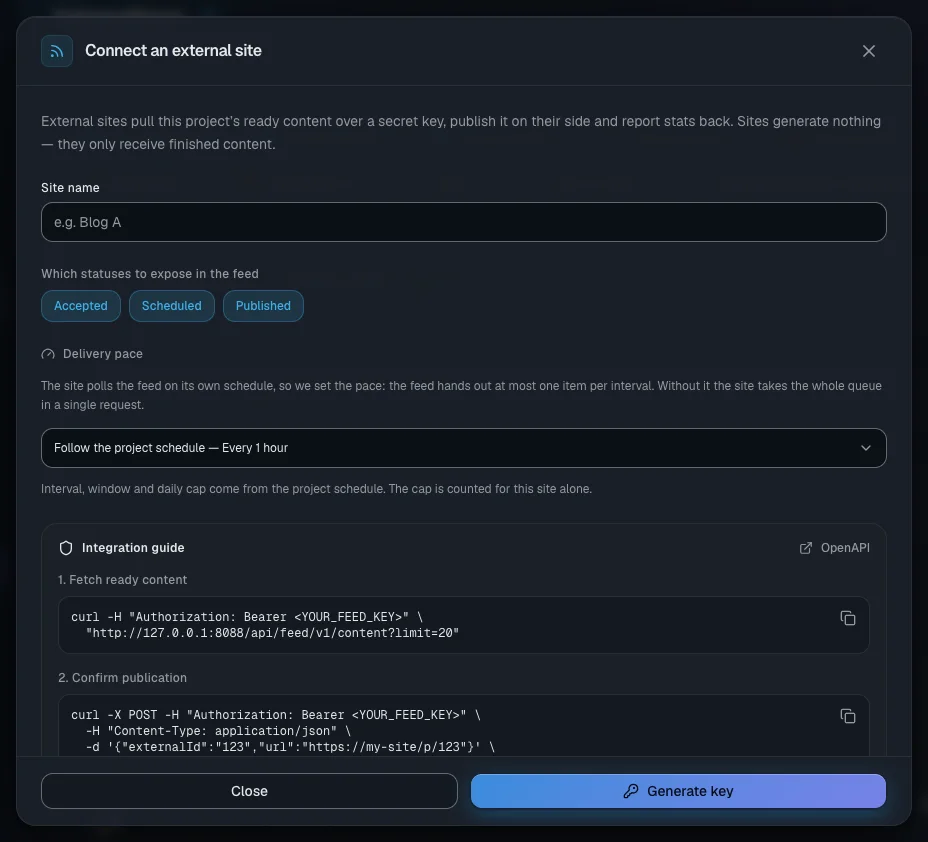
- In the "Connect an external site" window fill in "Site name".
- In the "Which statuses to expose in the feed" block keep the statuses you need: "Accepted", "Scheduled", "Published". Drafts, rejected and archived items are never given to the site.
- Choose "Delivery pace" — more on that below.
- Click "Generate key".
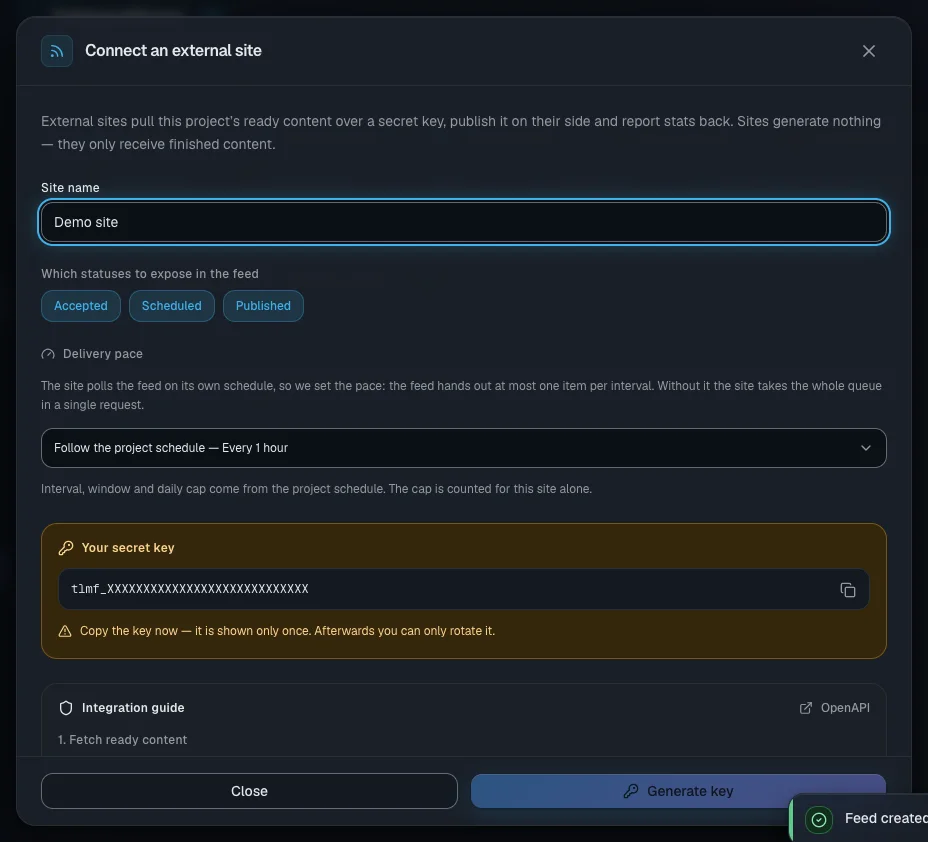
The "Your secret key" block appears. The key starts with tlmf_.
Important. The key is shown only once: the service keeps only its fingerprint. Copy the key straight away and pass it to your developer in a safe way. If you lose it, issue a new one.
Further down the same window is "Integration guide": ready-made commands with your key and address.
Pull the items: the requests for the developer
The API address is https://<the address from the guide>/api/feed/v1. The /api part is required: without it the request lands on the ordinary website. Every request carries the header Authorization: Bearer <key>.
| Request | What it does |
|---|---|
GET /me | checks the key and returns the project and the feed settings |
GET /content?since=&limit= | the ready items this site has not confirmed yet; oldest first |
GET /content/{id} | one item, including one already confirmed — to refresh your copy |
POST /content/{id}/ack | confirms the publication on the site |
POST /content/{id}/stats | sends views and reactions |
GET /openapi.json | a machine-readable description of the API |
BASE="https://<the address from the guide>/api/feed/v1"
KEY="tlmf_..."
curl -H "Authorization: Bearer $KEY" "$BASE/content?limit=20"
The response holds items, nextCursor and a pacing block. limit runs from 1 to 100 and defaults to 20. Keep nextCursor and pass it as since in your next request.
Confirm the publication and send the statistics
curl -X POST -H "Authorization: Bearer $KEY" -H "Content-Type: application/json" \
  -d '{"externalId":"123","url":"https://my-site.com/p/123"}' \
  "$BASE/content/<ID>/ack"
All the fields are optional: externalId, url, publishedAt. After the confirmation the item disappears from this site's feed and in the project it gets the "Published" status — or stays "Partially published" while other platforms are still waiting for it. Calling it again is safe.
To get your site's numbers into Statistics, send views, reactions, comments and shares to /content/<ID>/stats. Before an item is confirmed this request returns 404. We do not collect the numbers from your site ourselves.
The delivery pace: one item per interval
The site does the asking, so you set the speed. In one interval the feed gives out no more than one item, whatever limit the request carries, and it does not hand over a backlog in one batch after the site has been idle. The interval counts from the last confirmation.
- "Follow the project schedule" takes the interval, the time window and the daily limit from the project's publication schedule. The limit is counted separately for the site. If there is no schedule, there are no limits.
- "Custom pace" — your own interval from 5 minutes to 30 days, a time window and a limit of 1 to 1000 a day.
- "No limit" — the site gets everything it asks for: up to 100 items at a time.
When an item is not "due" yet, the response comes back empty and the pacing block explains why:
{ "items": [],
  "pacing": { "reason": "interval", "intervalSeconds": 3600,
              "nextAvailableAt": "2026-09-19T13:00:00.000Z" } }
reason takes the values interval (the interval has not passed), window (you are outside the time window right now), daily-cap (today's limit is used up), ready and unlimited. The block also holds the fields enabled, source, timeFrom, timeTo, maxPerDay and allowance. The window is counted in server time — go by nextAvailableAt.
The fields of an item
id,title,excerpt— the identifier, the headline, a short description.bodyMarkdown— the main text with headings, lists and images. Convert it to HTML and style it with your site's styles.bodyis the same text without the markup, kept for older connections.topics— usually 3–7 tags in the language of the item.sourceUrl,createdAt,updatedAt.media[]— the files:type(IMAGE,VIDEO,AUDIO,OTHER),url,width,height,duration,thumbnail. The links are absolute.
The first image in media is the cover, and it is not inserted into the text. Take video and audio from media too: no more than one video per orientation. Videos that are waiting for your approval do not reach the feed.
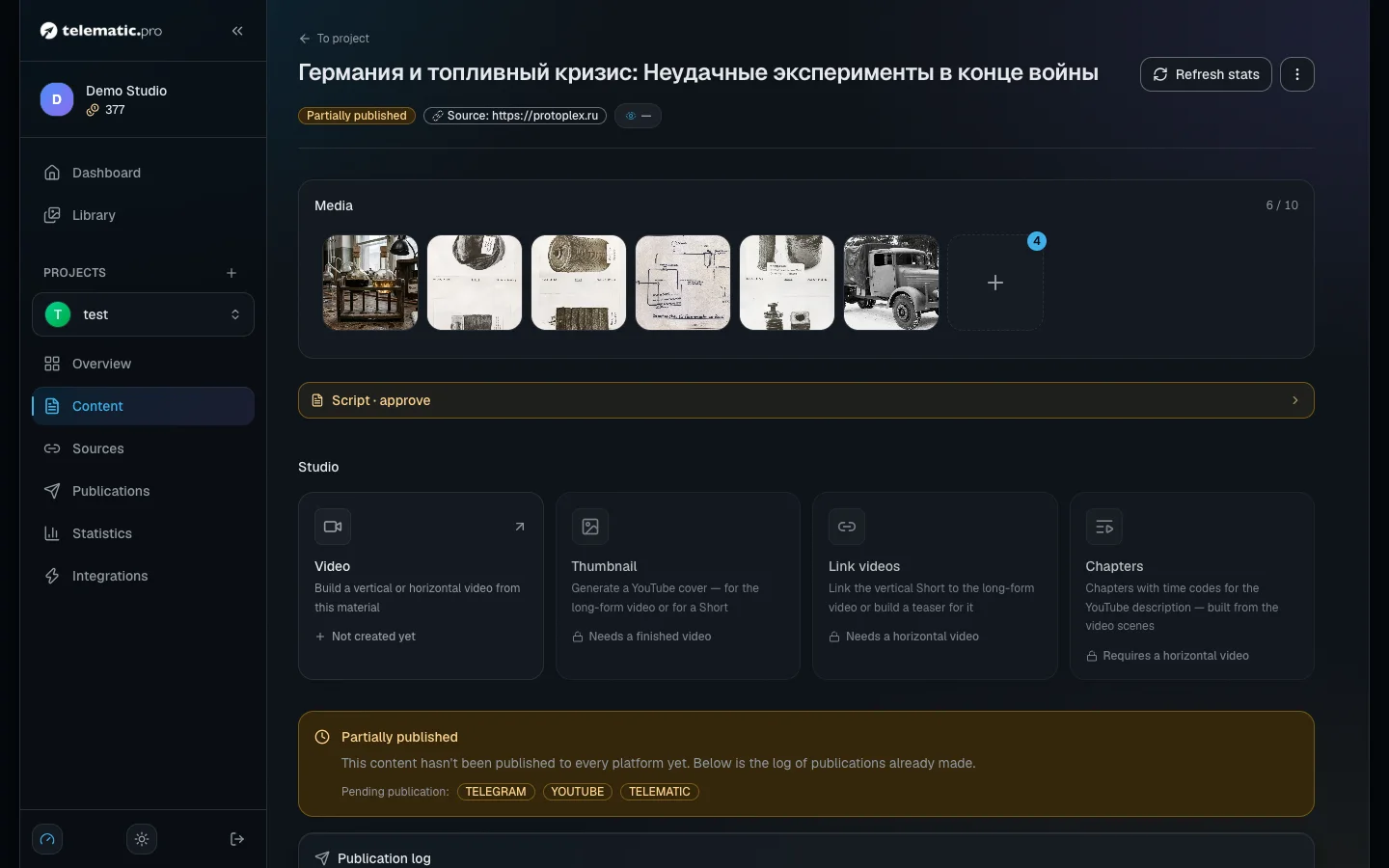
On the item page the site's card shows the status — "Waiting for the site to fetch", "Confirmed by the site" or "Not in the feed" — and the time the site last came for items. The "Preview" button shows the text exactly as the site will get it.
Pausing and a new key
- Pausing. In the "Integrations" section click the pause button on the site's card. The message "Integration paused" appears and the site starts getting a 401 error. The same button switches delivery back on.
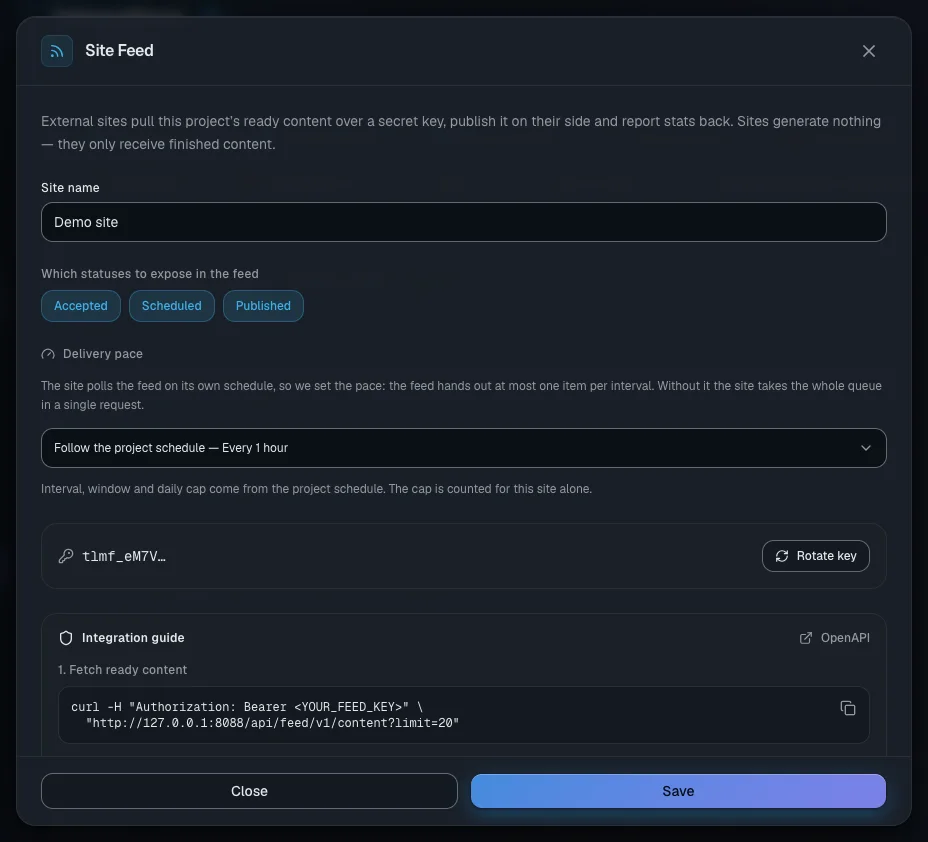
- A new key. Click the site's card and choose "Rotate key" in the "Site Feed" window. The new key is also shown only once, and the old one stops working immediately — update it on the site.
The same window is where you change the name, the statuses and the pace; do not forget "Save".
If the site gets nothing
- A 401 response. The key was not copied in full, it has been reissued, or the connection is paused. Check the
Authorization: Bearer …header with aGET /merequest. - A web page arrives instead of JSON. The address is missing
/api. - An empty
items. Look atpacing.reasonandnextAvailableAtfirst. If they sayreadyorunlimited, the project has no items in the statuses you chose: a draft has to be accepted first, see Working with content. - The same item keeps arriving. The site has not sent
ack.
What next
- Projects and platforms — the project's other platforms.
- Publications and calendar — the schedule the feed takes its pace from.
- Solving common problems — if you need help from support.