

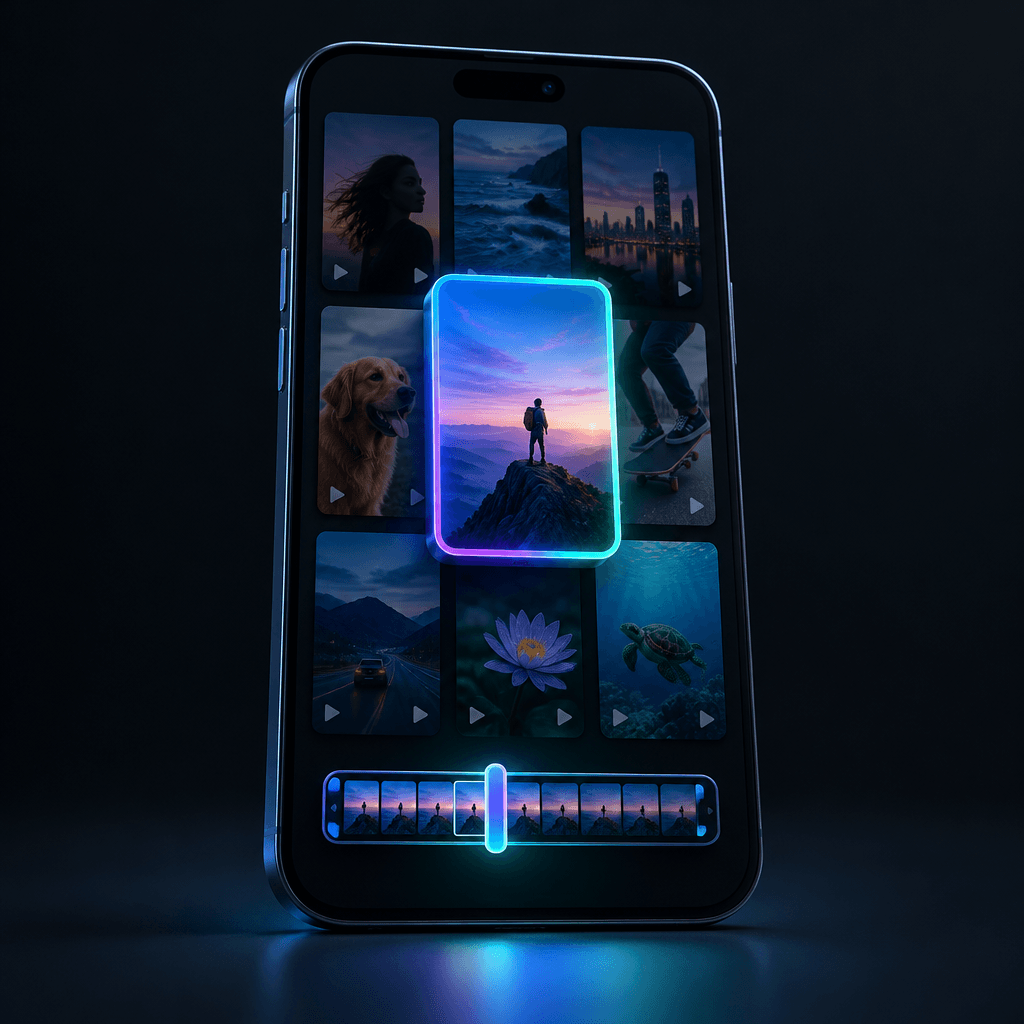
To make a cover for a YouTube Short, prepare a vertical frame with one clear idea, then assign it in YouTube: pick a frame from the video in the mobile app, or upload your own image if your channel has that option. Viewers don't see the cover in the Shorts feed, where the video plays right away, but where the Short appears as a tile: on your channel's Shorts tab, in search, and in collections. Below are the steps: what you can do in advance, what remains manual work, and where Telematic helps and where it doesn't.
Where the Shorts Cover Is Actually Visible
In the main Shorts feed, viewers don't see the cover; they see the video itself, which starts playing immediately. That's why the first seconds matter more than any picture. The cover works in other places:
- on your channel's "Shorts" tab, where new viewers scroll through the grid and choose what to open;
- in search results and in blocks with short videos;
- in recommendations next to other videos.
This leads to a simple rule: a Short's cover must be readable at small tile size and look like part of a series. If your channel's Shorts tab has 30 covers in one style, the channel reads as a topic, not a random set of videos.
Ways to Set a Cover Right Now
YouTube is changing this feature, so we rely only on the official announcement in the YouTube blog (July 2026):
| Method | Where | What you can do |
|---|---|---|
| Choose any frame from the video | YouTube app on a phone | scroll through the video and mark a frame as the cover |
| Choose a suggested frame | YouTube Studio on a computer | one of three frames YouTube offers |
| Upload your own image | YouTube Studio | available to YouTube Partner Program members; YouTube promises to expand access |
Practical conclusion: if your channel doesn't have uploads yet, you need to "hide" the cover inside the video, creating a frame you'll later select in the app. More on this below.
How to Make a Cover for YouTube Shorts: Step by Step
- Formulate one idea. One cover, one promise. "Why cats sleep so much" works better than three facts at once. If the idea doesn't fit in 3–5 words, it won't be read in the tile.
- Choose one main subject. An object, a face, or a scene in the center. The background should be calm, without clutter: the channel grid tile is small, and details blur together.
- Shoot vertically. Shorts use a 9:16 format. A square or horizontal picture will be cropped, and the key element may slip past the edge.
- Keep text in the center. The top and bottom of the frame are covered by interface elements in Shorts. A short headline in large type in the middle third is the safest option.
- Check contrast. Light text on a dark background or vice versa. Look at the cover shrunk to fingernail size: if the topic is still clear, you're fine.
- Make a series. One font, one text placement, one color scheme for all videos in a category. Over time, the channel tab will look like a showcase.
- Assign the cover in YouTube. If uploading your own image is available, upload it in YouTube Studio. If not, open the video in the YouTube app on your phone, go to editing, and select the frame that contains your cover.
How to Set Your Own Cover If Uploads Aren't Available
A workable trick is to insert the cover into the video itself as a separate frame. Usually it's placed at the very start or end, for a split second. Then in the app you select exactly that frame.
The downsides, honestly:
- a frame at the start takes up part of the first seconds, and those seconds decide whether people watch the video in the feed; if you put the cover at the start, keep it short and get to the point immediately;
- a frame at the end is safer for retention, but it's easy to miss when selecting in the app, so scroll slowly;
- each time it's a manual action: you can't assign such covers in bulk.
Common Shorts Cover Mistakes
- Random default frame. YouTube picks a frame itself, often blurry or mid-word. If you didn't choose a cover, you effectively don't have one.
- Too much text. A ten-word sentence in a tile turns into a gray stripe.
- The cover promises something the video doesn't deliver. Viewers open it and leave, which is worse than not opening it at all.
- Small details at the edges. The tile in the channel grid and in search may be shown cropped.
- A different style for each video. The channel isn't recognized, and the covers don't work for the series.
For more on the signals viewers use to choose a video, see our article "YouTube Thumbnails: How to Make a Preview People Click". On captions that don't interfere with the interface, see "Subtitles That Don't Distract".
What Telematic Does and What's Up to You
Let's start with the limitation: we don't set the Short's cover in YouTube — it's assigned manually in YouTube Studio or in the app. We publish the video itself, and you choose the cover after publication.
What the service handles:
- Makes the cover together with the video. The "Video from text" pipeline goes: link or text → script → scene images → voiceover → subtitles (26 styles) → cover → publication. The cover is drawn for the video's topic rather than cut from a random frame.
- Lets you review before publishing. You can enable a pause at the script stage and confirm the video before publication: watch it, make corrections, then it goes to the channel.
- Makes a "long + Short" pair. If you have horizontal videos, a vertical version is built from the same material, and the service sets the long video's cover at publication.
- Shows statistics. YouTube statistics for 7, 30, and 90 days with CSV export, and a "Why so?" button helps figure out why a video dropped off; it costs 2 ₽.
Cost: a 60-second Short is 112 to 150 ₽, including the cover. The price is visible before launch in the "Cost calculation" block. There's no subscription, 1 token = 1 ₽. Registration gives 50 tokens, and the video unlocks after the first top-up from 100 ₽.
Two more limitations to know in advance: the video is a slideshow of AI images with camera movement, voiceover, and subtitles, not generated video; autopilot video runs with one click, in batches of up to 20 items. We described the full path from text to video in the article "From Article to Video in 10 Minutes".
Frequently Asked Questions
Can I set my own cover on Shorts from a computer?
According to YouTube's announcement, uploading your own image in YouTube Studio is available to Partner Program members; others will gain access gradually. On a computer you can also choose one of the three suggested frames.
What size should a Shorts cover be?
Aim for the vertical 9:16 format, like the video itself. Keep the key elements in the center: the top and bottom of the frame are covered by the interface.
Why don't I see my cover in the Shorts feed?
In the feed the video plays immediately, and the cover isn't shown there. It's visible on your channel's Shorts tab, in search, and in recommendations.
Does the cover affect Shorts views?
It affects whether people open the video from the channel grid and search. In the feed, the first seconds decide everything. Neither a cover nor any service guarantees views.
Where to Start
If you want to get a Short together with a ready cover and review the video before publishing, see how video and Shorts from text works — it also shows what your first video costs.